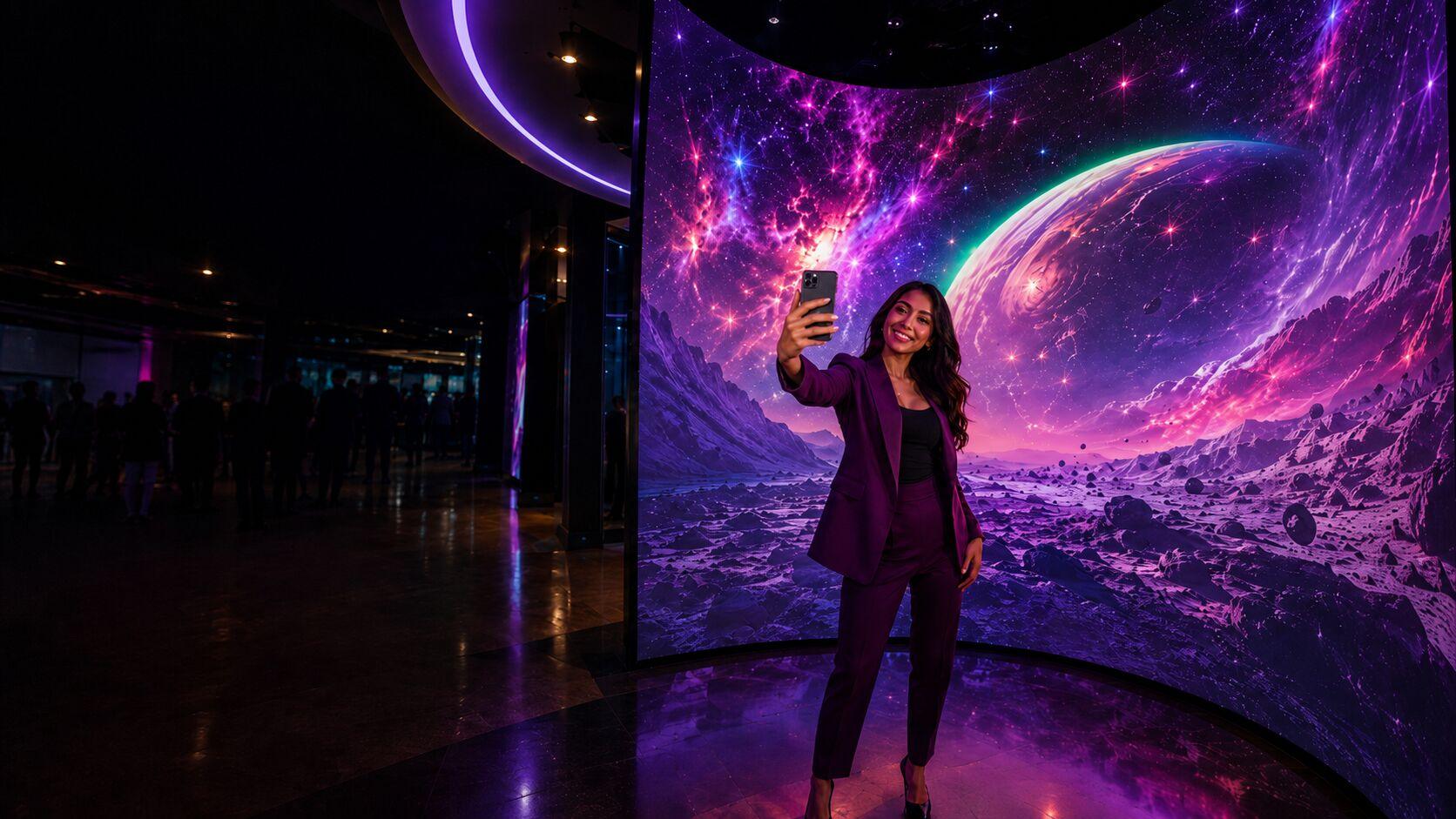
Put your guests on the wall.
They take a photo, pick a look, and an AI version of them lands on a giant LED wall, right next to everyone else who stepped up.
What your guests actually see.
These are the real screens from the kiosk that stands next to the wall, in the order a guest meets them.
-
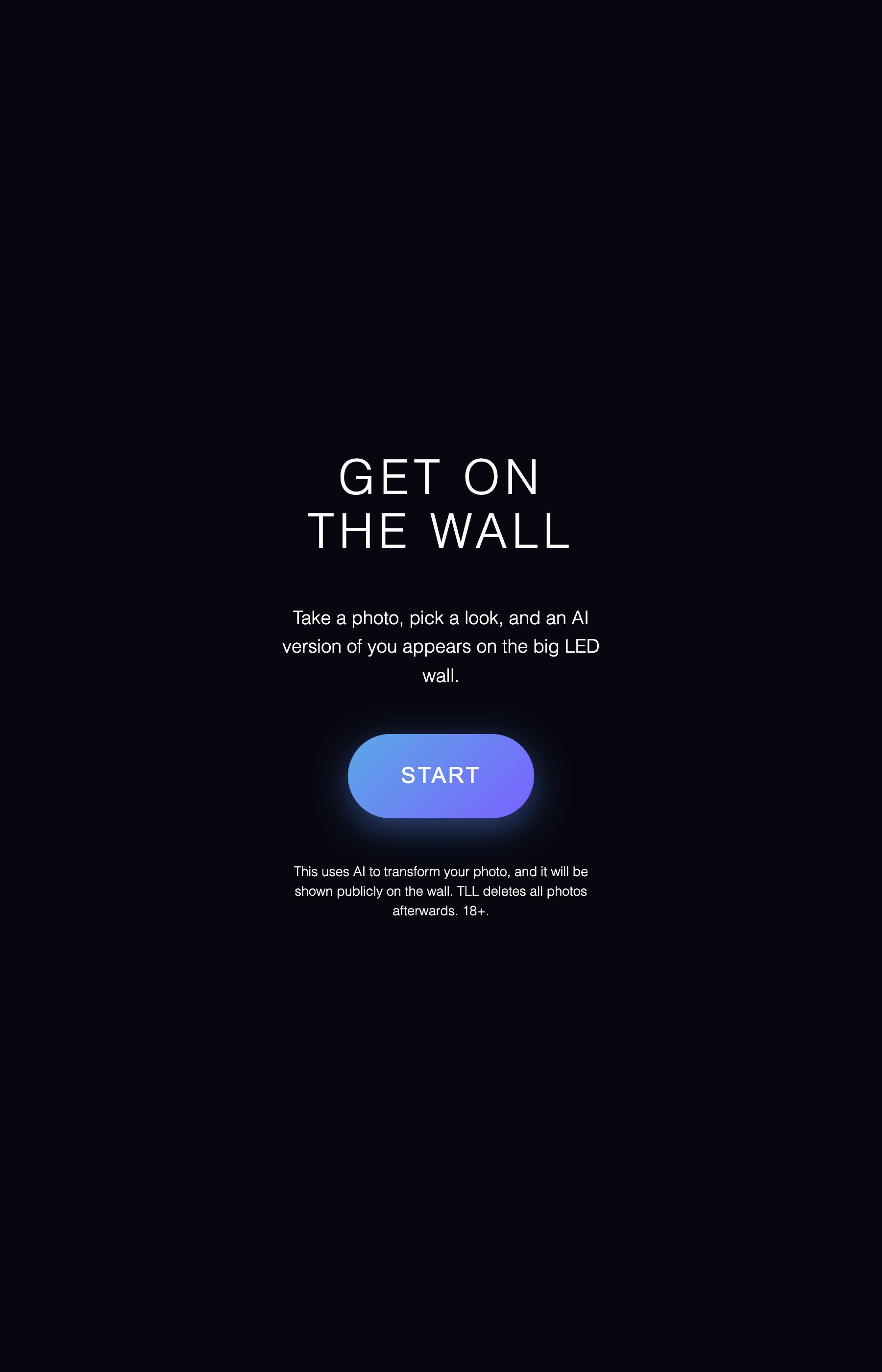
Walk up
The kiosk next to the wall invites them in.
-
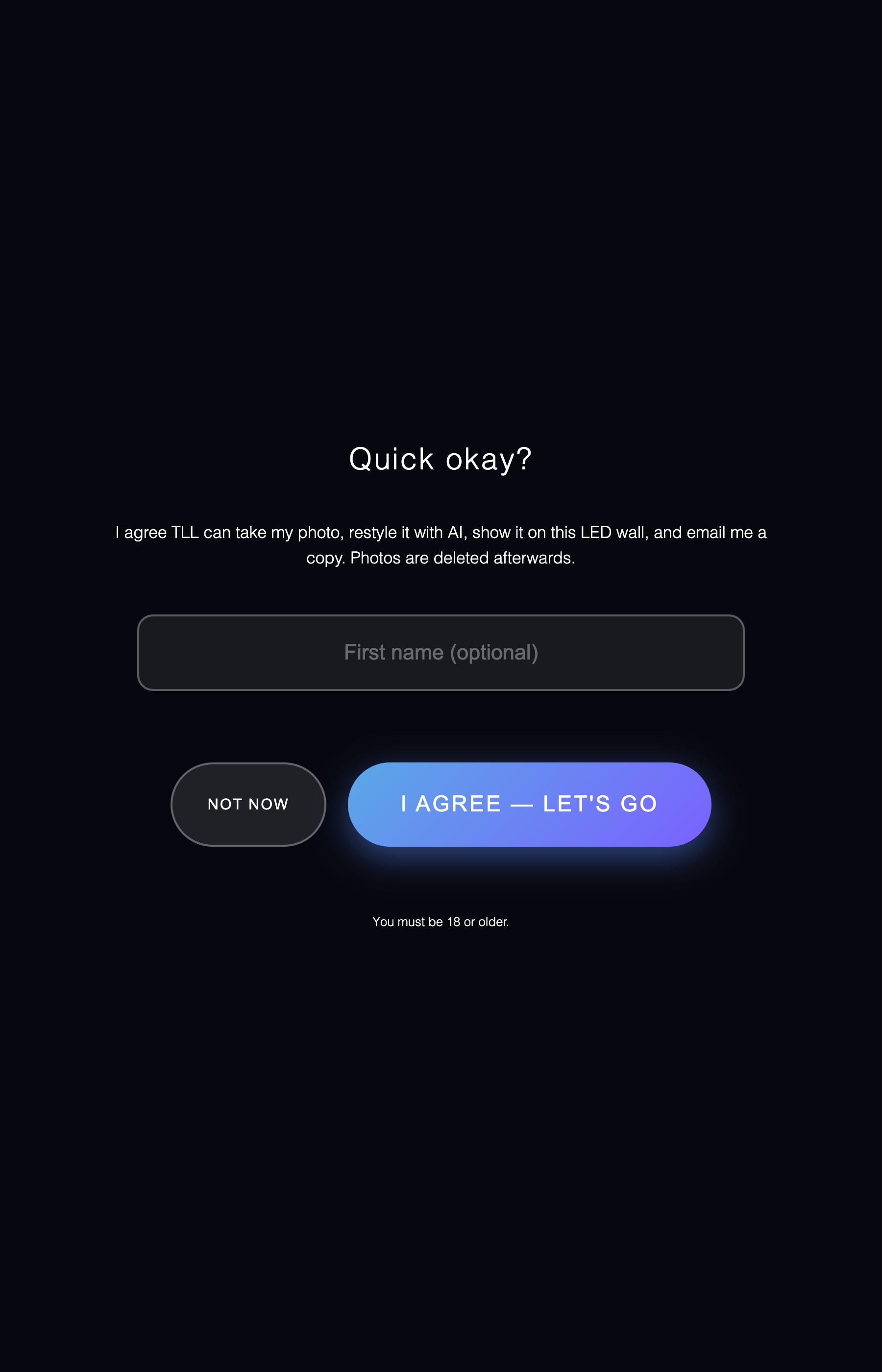
Quick okay
One tap to agree, then the camera counts them in.
-
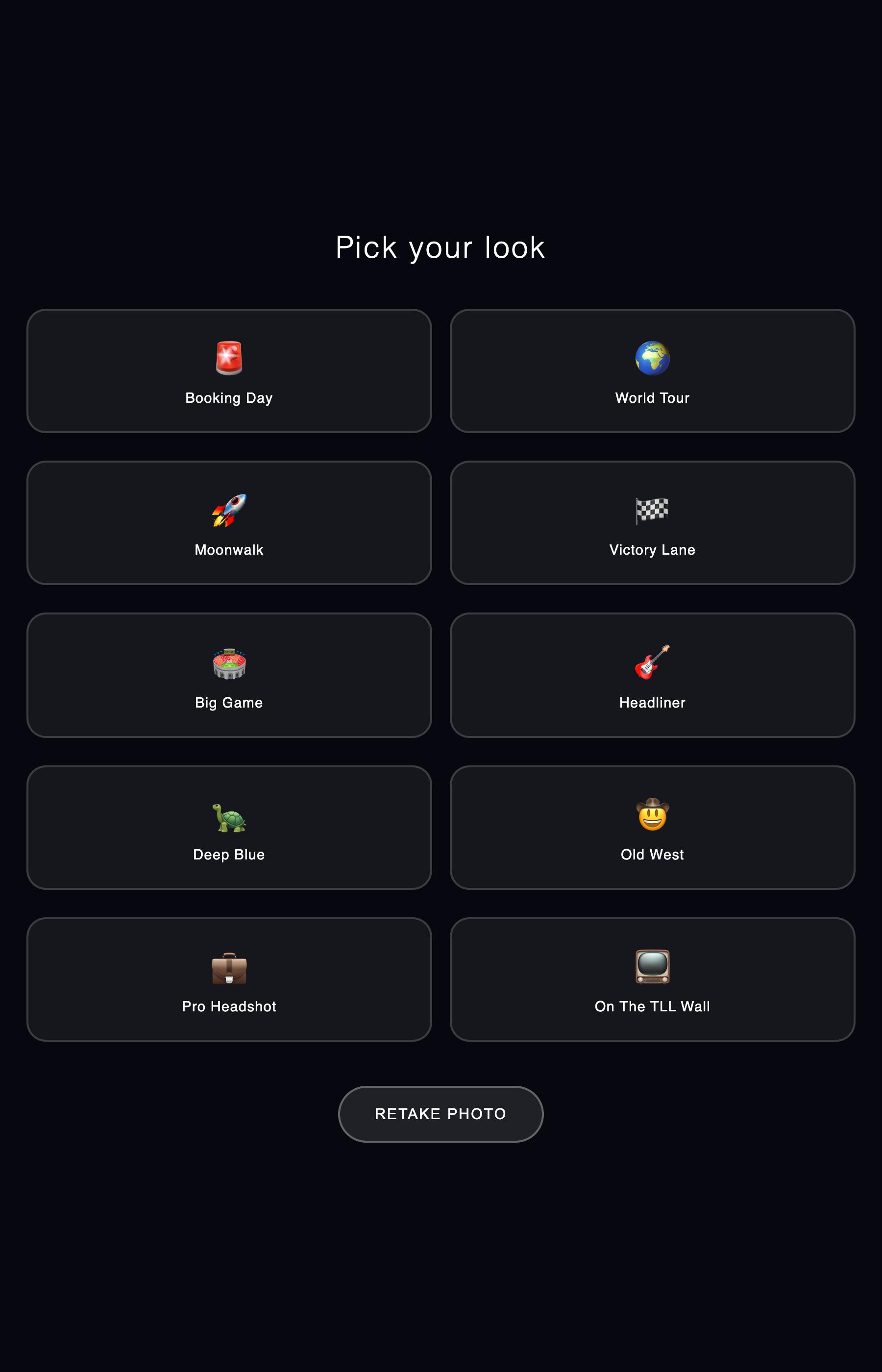
Pick a look
Ten styles on screen. They tap the one they want.
-
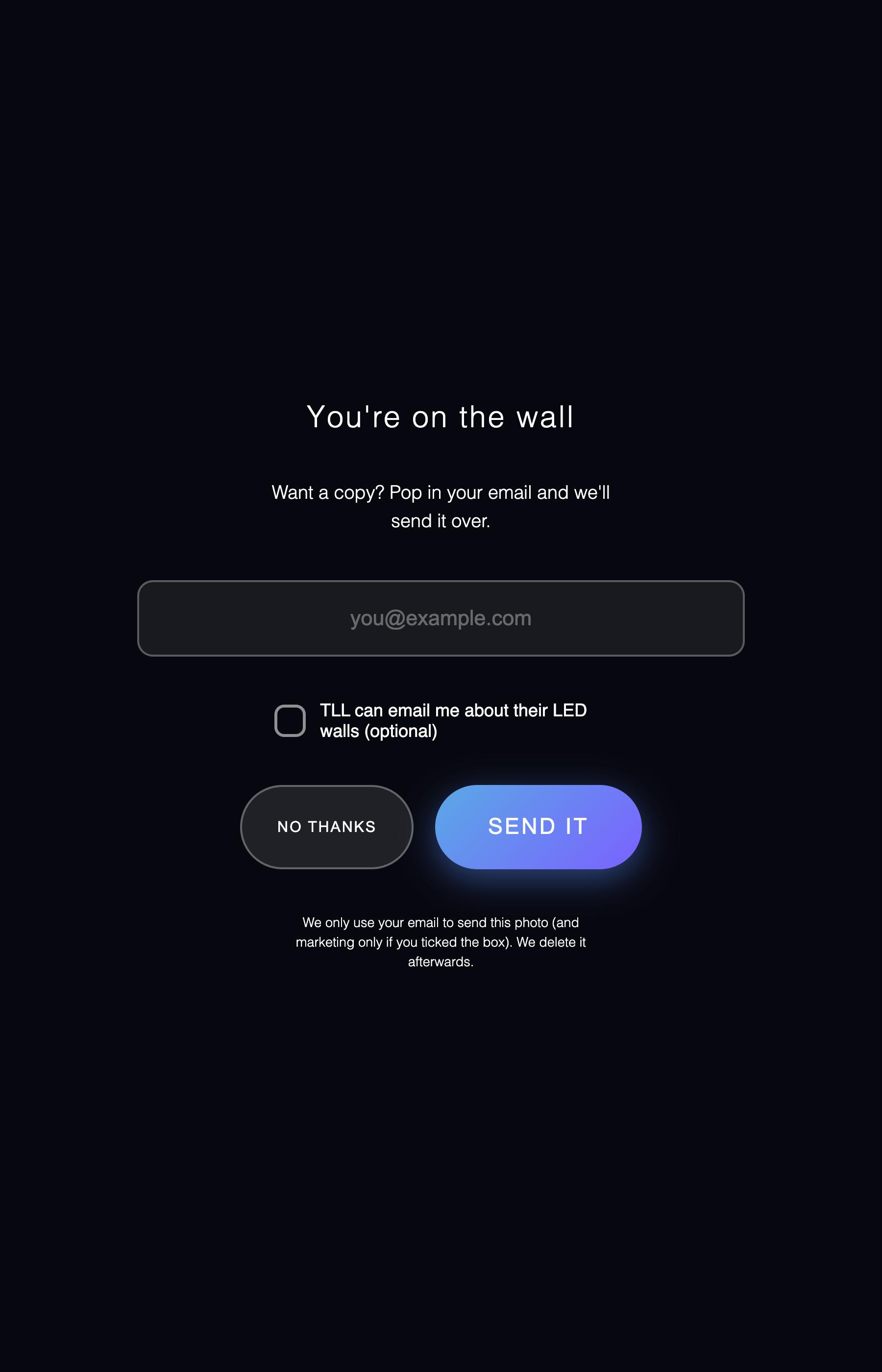
Get a copy
Their email, their photo, opt-in left up to them.
-
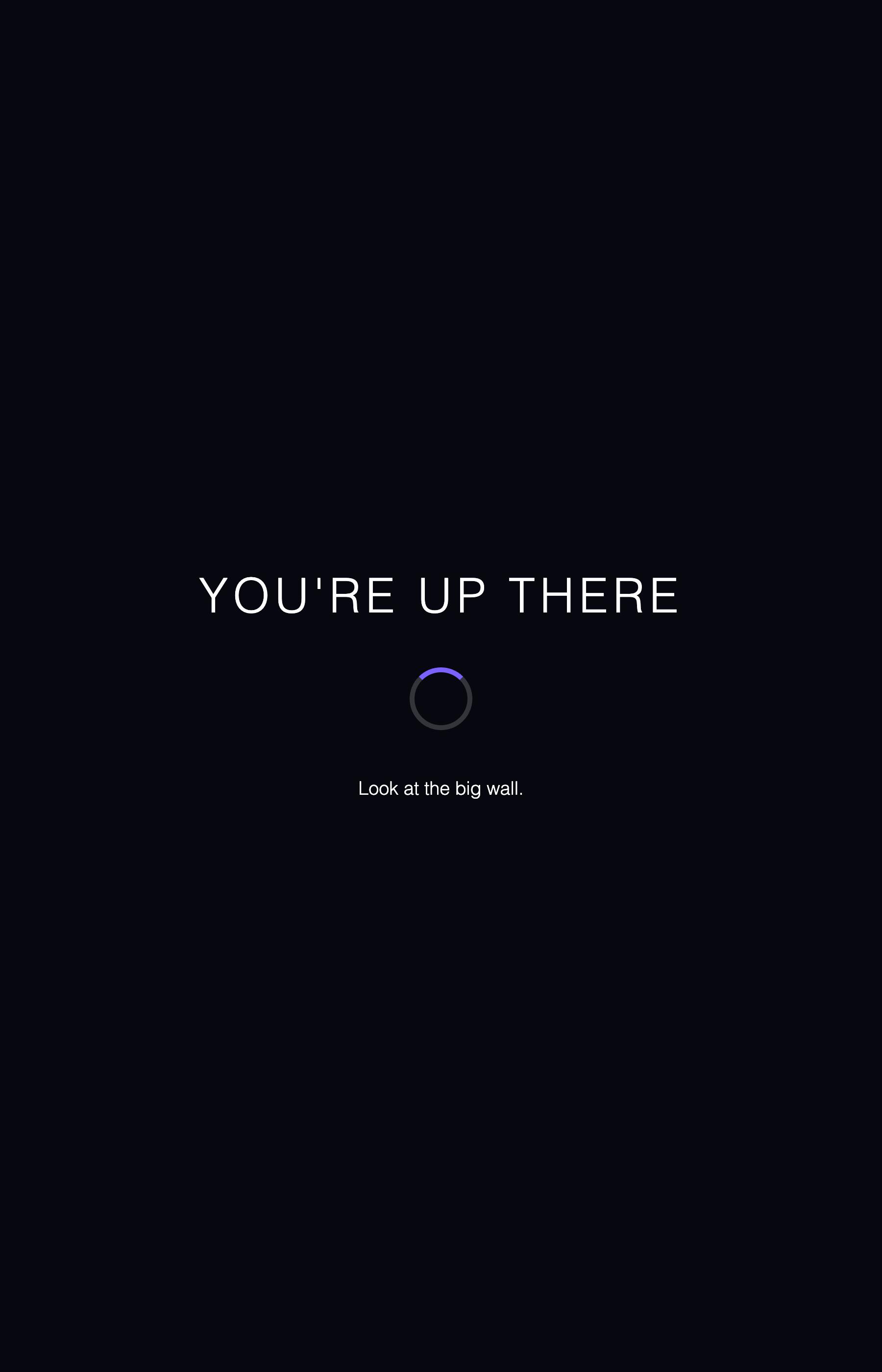
Look up
Their portrait goes live on the big wall.
The screens above are our own build, in our own wording. On your show they carry yours. The ten looks in step 03 are listed below.
On the clock The AI restyle takes roughly 35 to 45 seconds, then the wall does the reveal.
Pick your look.
Tap one and the AI restyles the photo into it.
- Booking Day
- World Tour
- Moonwalk
- Victory Lane
- Big Game
- Headliner
- Deep Blue
- Old West
- Pro Headshot
- On The TLL Wall
These ten shipped with the wall. Looks are written to order, so the tiles on the kiosk can be your product, your city, your mascot, or the campaign you are already running everywhere else.
Your brand, kiosk to wall.
Looks written for you
The ten that shipped are just what came loaded. New looks get written for your show and go on the kiosk in their place.
Write the kiosk yourself
Every screen a guest reads is yours to write, from the opening invitation to the last line.
Your logo on the wall
The wall layout and the frame around each portrait are brandable. It can carry your mark instead of ours.
Your questions on the form
You decide what the form asks and what the opt-in says. Keep it to an email, or ask for more.
The follow-up email is yours
The photo goes out under your name, so the follow-up starts with you.
Or something else entirely
The wall does not have to run a selfie mosaic. We can build a different experience around the campaign and run that instead.
They get the photo. You get the list.
The photo, in their inbox
They type an email at the kiosk and the picture they just made gets sent to them. No app, no sign-up.
Contacts who said yes
The opt-in is its own box, worded by you. Tick it and that contact is yours. Leave it and the address is only ever used to send the photo.
Consent Guests agree before the camera runs, there is an age gate on the way in, and the marketing opt-in is a separate checkbox they can leave alone and still get their photo. Photos are deleted after the show.
Let's put your guests
on the wall.
Tell us the space, the brand, and your dates. We'll send the quote.
Get a quote